
SEO Promotion for OpenCart Online Stores
OpenCart gives you a ready catalog, cart and checkout, but it is not ready for SEO out of the box: there are no SEO-friendly URLs, filters and sorting create duplicates, and language versions often live at one address. We fix these issues, build a structure around search demand and grow traffic to categories and product pages.

Why OpenCart works well for SEO
OpenCart has everything you need to distribute your keyword semantics: categories, subcategories, manufacturers, product pages and filters. Most SEO tasks are solved with settings and modules, without rewriting the core.
- Ready catalog structureCategories, manufacturers and product pages are the basis for landing pages targeting commercial queries.
- SEO fields for every pageTitle, description, H1 and SEO URL are set separately for products, categories, manufacturers and articles, for every language.
- Extensions through modulesStructured data, sitemap, feeds, caching, filter landing pages — there are ready solutions for every task.
- Integrations1C, feeds for Google Merchant Center, Rozetka, Prom and Hotline — convenient for stores with a large assortment and frequent price changes.
Common SEO problems of OpenCart stores
Most OpenCart stores lose rankings not because of content but because of technical issues: duplicate pages, technical URLs, incorrect multilingual setup and a slow catalog. Below is what we check first.
No SEO-friendly URLs out of the box
In versions 2.x and 3.x, SEO URLs are enabled in the store settings, but they only work after renaming
.htaccess.txtto.htaccess(Apache) or configuring rules on nginx. In 4.x, SEO URLs are set in a separate SEO URL section. If the keyword is not filled in for some products, they stay on addresses likeindex.php?route=product/product&product_id=….Catalog duplicates
The
sort,order,limitandpageparameters, filters, and access to one product through different categories (path=20_27) create dozens of addresses with the same content. We close them with canonical, meta robots and crawl rules, and turn the filters that are needed into separate landing pages.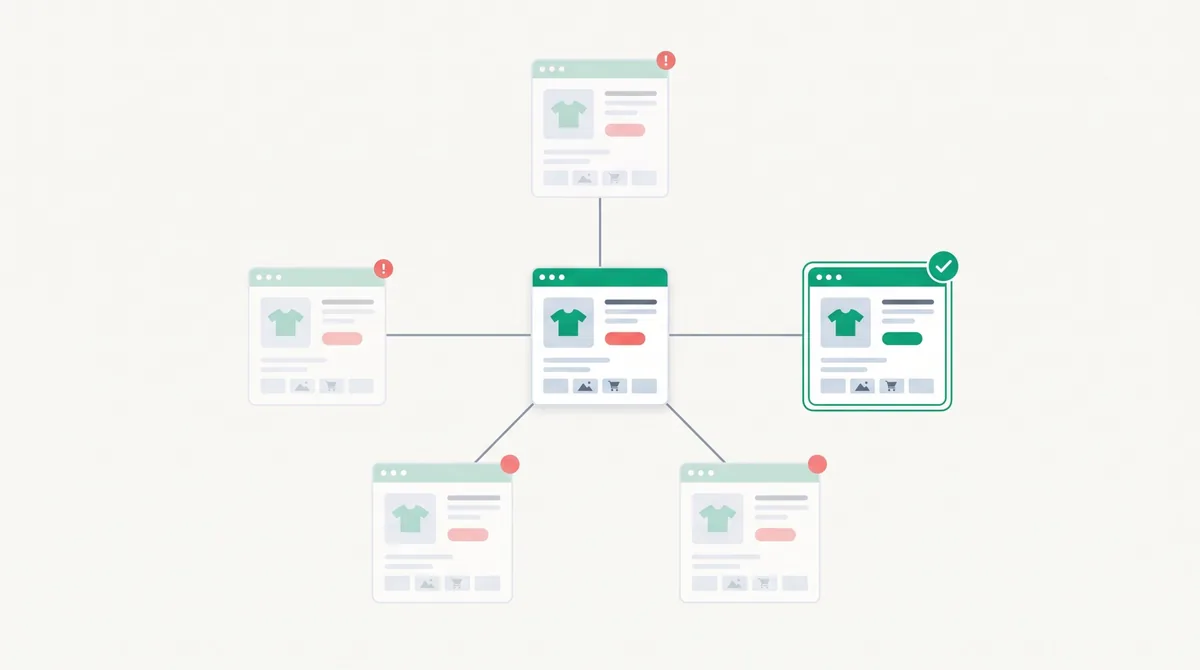
Multilingual setup uk/ru
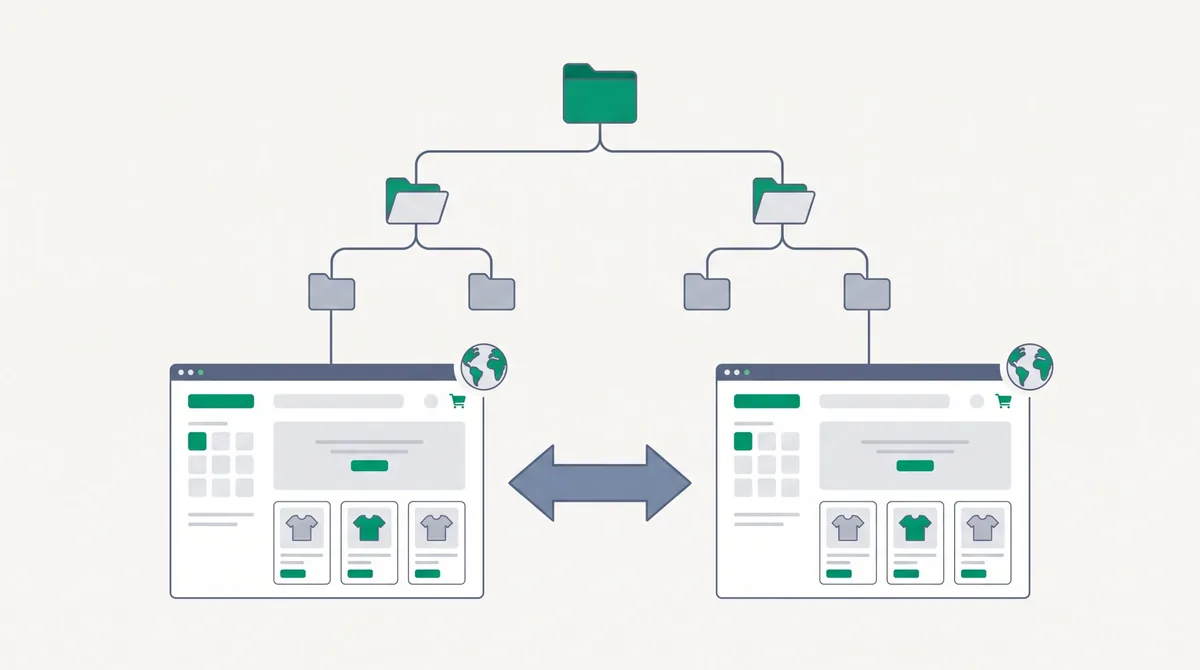
In basic versions the language is often switched through a cookie or a parameter rather than a separate URL. Then Google sees only one language version. You need separate addresses for each language, translated SEO URLs and correct hreflang.
Product structured data
Standard templates do not provide full Product markup with price, availability and reviews. Without it, products do not get rich snippets and appear in Google Shopping less often.
Catalog speed
Heavy templates, dozens of modules, unoptimized photos and no caching make the catalog slow, especially on mobile.
Service pages in the index
Search, comparison, cart, account pages and tags get into the index and dilute the site. We block them from indexing.
What OpenCart store promotion includes
- 01
Technical audit for OpenCart
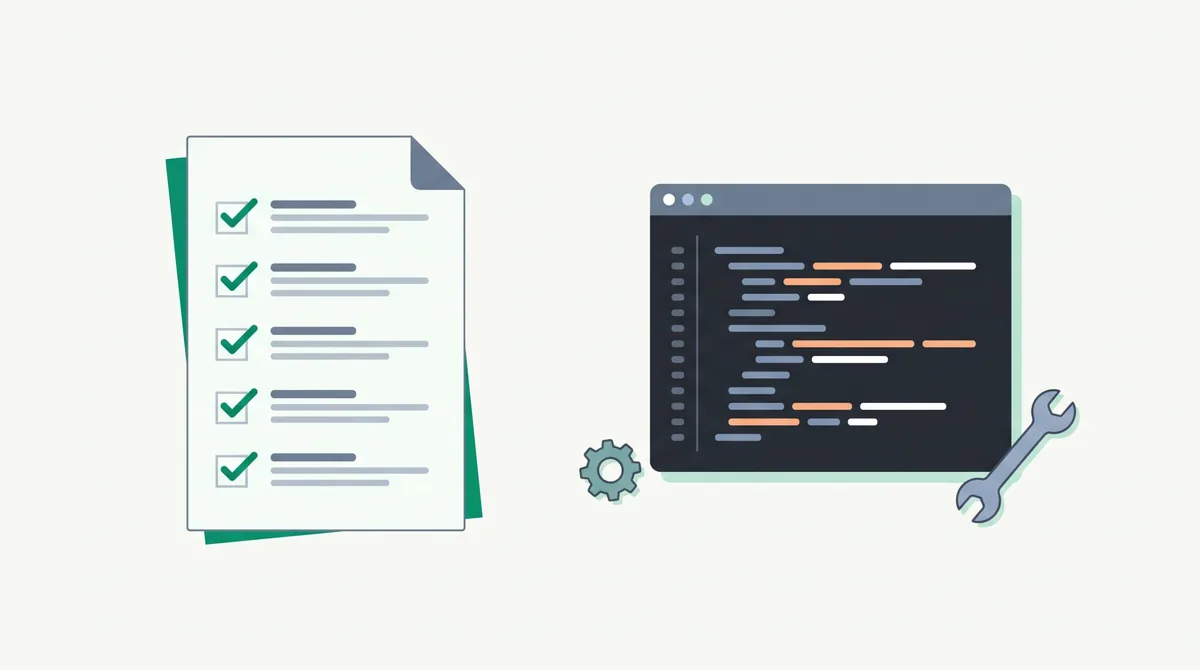
Version and template, SEO URLs, duplicates, canonical, robots.txt, sitemap, language versions, speed, modules that conflict with each other. The result is a prioritized task list.
- 02
Technical task for a developer, or implementation
We prepare technical tasks for your specific OpenCart version: what to change in settings, which modules to install or remove, what to change in the template. We can implement the changes ourselves or hand them to your developer.
- 03
Structure and semantics
We collect queries for categories, subcategories, manufacturers and popular filter combinations. Each cluster goes to a separate page, without cannibalization.
- 04
Category and product page optimization
Title and description templates, H1, category texts, product specifications and structured data, internal linking between categories.
- 05
Links and reporting
Publications on thematic and industry websites, a monthly report on rankings, traffic and orders from organic search.
Google Shopping, marketplaces and AI search
For a store, it is important that products appear not only in organic results. We set up feeds for Google Merchant Center, Rozetka, Prom and Hotline so that prices and availability match the site. The same data — structured data, specifications, reviews — helps products appear in Google AI Overviews and ChatGPT answers when a buyer asks what to choose.

When to expect results from OpenCart SEO
The first changes in rankings are usually visible 1–3 months after technical fixes. Noticeable traffic growth comes in 4–6 months. We give an exact forecast after the audit.
Technical condition
The more duplicates, technical URLs and language issues there are, the more time goes into fixes before growth.
Domain age and competition
A new store in a competitive niche needs more time than a store with a history.
Implementation speed
Changes to the OpenCart template affect the whole catalog at once, so they must be implemented carefully but without delay.
How much OpenCart store promotion costs
The cost depends on catalog size, number of languages, technical condition and competition in the niche. Links, texts and, if needed, developer hours are paid separately from our work. We name the exact amount after the free audit.
OpenCart SEO: frequently asked questions
How do I enable SEO-friendly URLs in OpenCart?
In versions 2.x and 3.x — in the store settings on the "Server" tab and by renaming .htaccess.txt to .htaccess (nginx needs separate rules). In 4.x, SEO URLs are set in a separate section. After that, you need to fill in keywords for all products, categories and languages, otherwise some pages will stay on technical addresses.
Where do duplicate pages in OpenCart come from?
From sorting parameters, the number of products per page, pagination, filters, and from the fact that one product is available through different categories. For a search engine these are different pages with the same content, so they must be closed with canonical and meta robots.
How do I set up Ukrainian and Russian versions on OpenCart correctly?
Each language must have its own address, for example through a subfolder, its own SEO URLs and title, and the pages must link to each other through hreflang. In basic versions this is usually solved with a module.
Which SEO modules does OpenCart need?
It depends on the version and template. Usually these are modules for SEO URLs and multilingual setup, structured data, sitemap, feeds and caching. Extra modules load the site and conflict with each other, so we install only what a specific store needs.
Is it worth moving from OpenCart 2.x or 3.x to 4.x for SEO?
Not always. A migration changes addresses, the template and modules, and without a redirect plan a store can lose rankings. First we assess whether SEO can be fixed on the current version, and only then recommend a migration.
Can you work with our developer?
Yes. We prepare a technical task for your OpenCart version and check the implementation. If you have no developer, we can make the changes ourselves.
Do you guarantee a top position in Google?
No. Rankings depend on algorithms and competitors. In the contract we fix the scope of work and show the dynamics of rankings, traffic and orders in a monthly report.
Other services
Get an audit of your OpenCart store
Leave your store address and we will check SEO URLs, duplicates, language versions, structured data and speed. In response you will get a prioritized list of problems for your OpenCart version.
Get an auditOr write to us: hello@luchanlabs.com