
WordPress SEO Services
Service websites, corporate sites, blogs and WooCommerce stores all run on WordPress. The platform is convenient for SEO, but over time it accumulates plugins, duplicate archives and heavy page builders. We clean up the technical side, configure the SEO plugin for your site and grow traffic to the pages that bring in leads.

Why WordPress works well for SEO
WordPress offers a flexible structure of pages, posts and categories, and most SEO settings are available through plugins without code changes. This lets you roll out changes quickly and scale content.
- Flexible structurePages, posts, categories and custom post types let you build a structure for any search demand: services, cities, articles, products.
- SEO pluginsYoast SEO, Rank Math or SEOPress give you control over the title, description, canonical, structured data and sitemap for every page.
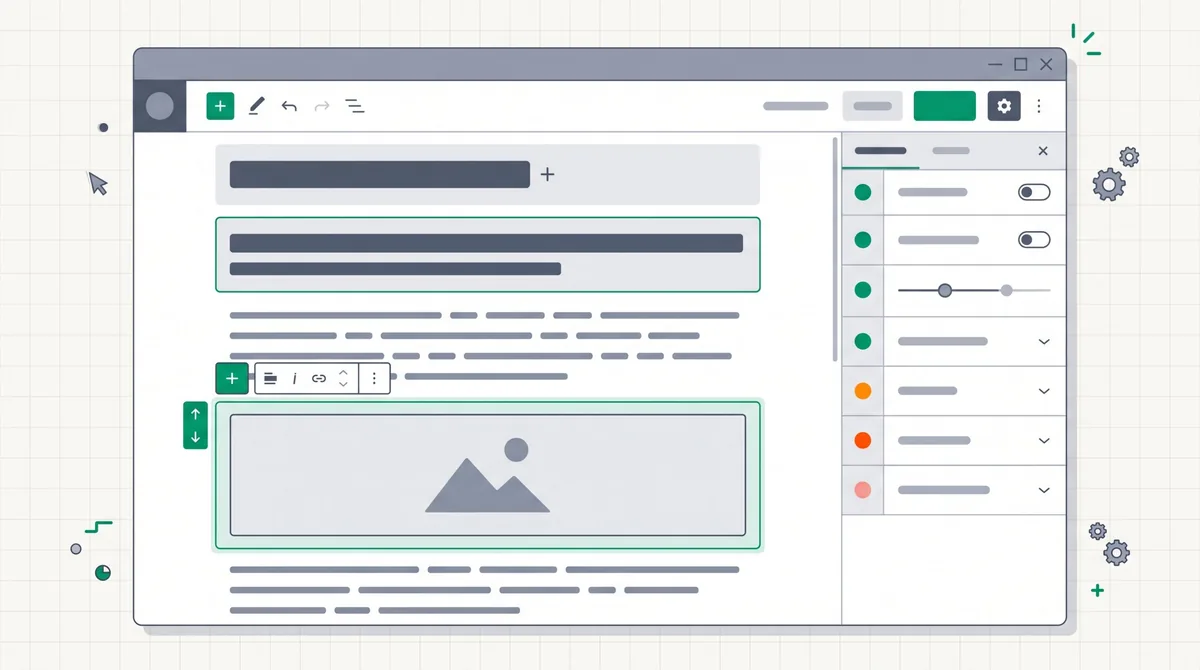
- Convenient for contentThe block editor lets you publish articles and update pages regularly without a developer, and regular content often brings the biggest traffic growth.
- WooCommerce for storesCatalog, product pages and filters on the same platform, with the same SEO plugins.
Common SEO problems of WordPress sites
WordPress sites most often lose rankings because of technical clutter that has built up over time: unnecessary archives in the index, plugin conflicts, slow themes and page builders. Below is what we check first.
The site is blocked from indexing
WordPress has a setting called "Discourage search engines from indexing this site". It is often turned on during development and forgotten after launch.
Archive duplicates
Tags, categories, author and date archives, pagination pages and, on older sites, attachment pages create hundreds of URLs with repeated content. We decide which of them are useful for search and which to block from indexing or remove.

SEO plugin conflicts
Two SEO plugins at once, or an SEO plugin together with the theme's own markup, produce double titles, two sets of structured data and several sitemaps. We keep a single source for each setting.
Page builders and speed
Elementor, Divi and similar builders, dozens of plugins and heavy themes make pages slow, especially on mobile. We find what exactly slows the site down and remove what is not needed.

Multilingual setup (Ukrainian / Russian)
WPML and Polylang solve the task, but if set up incorrectly you get untranslated URL slugs, duplicate language versions and hreflang errors.
Hacks and SEO spam
Outdated plugins and themes are a common cause of hacks: thousands of pages with someone else's keywords or hidden links appear on the site. We check the index and Search Console for such traces.
SEO for WooCommerce stores
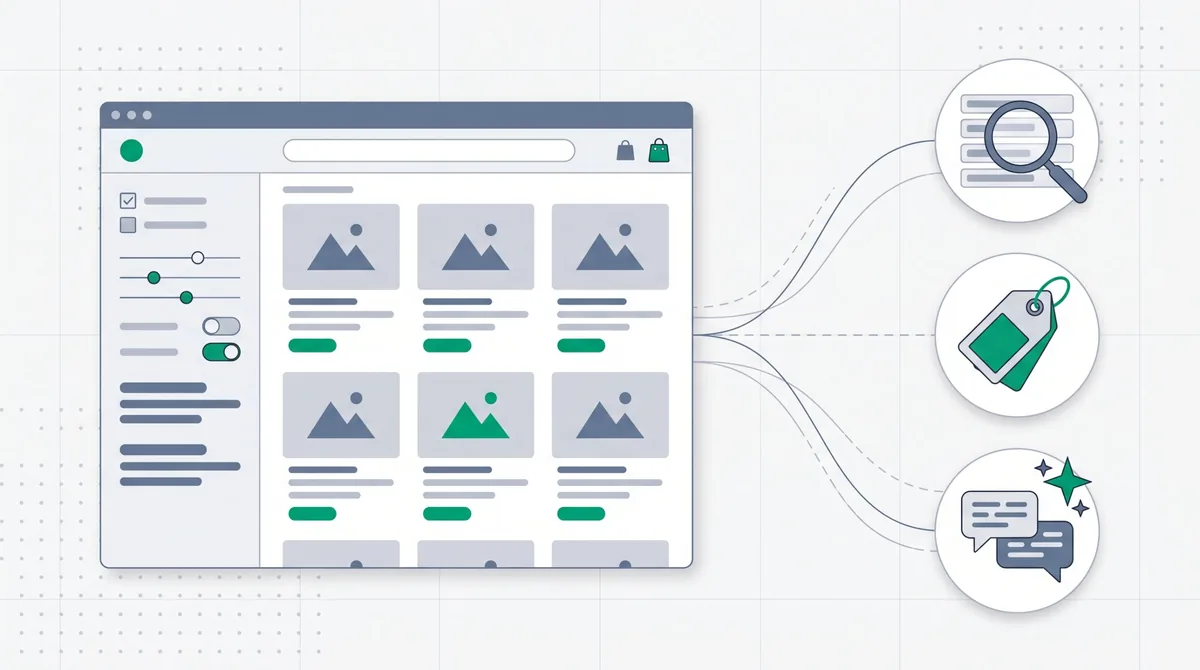
WooCommerce stores have their own problems on top of the usual WordPress ones: sorting and filter parameters (orderby, filter_), links like ?add-to-cart=, product tags and variations create duplicates. We set up canonical and indexing rules, Product markup with price and availability, and feeds for Google Merchant Center, Rozetka, Prom and Hotline.
What WordPress SEO includes
- 01
Technical audit for WordPress
Indexing, archives, permalinks, the SEO plugin and conflicts with the theme, sitemap, robots.txt, speed, core and plugin updates, traces of hacking. The result is a prioritized task list.
- 02
Technical brief for your developer, or implementation
We prepare specific tasks: which settings to change, which plugins to remove or replace, what to fix in the theme. We can implement the changes ourselves or hand them to your developer.
- 03
Structure and semantics
We collect queries for services, categories, cities or products and assign each cluster to a separate page, without cannibalization between pages and posts.
- 04
Page and content optimization
Title, description, H1, copy, structured data, internal linking. For a blog, a content plan for informational queries that lead to commercial pages.
- 05
Links and reporting
Publications on thematic and industry websites, a monthly report on rankings, traffic and leads from organic search.
A WordPress site in AI answers
Structured content, markup and clear answers to questions help pages get into Google AI Overviews and ChatGPT answers. On WordPress this is set up without changing the platform: through page structure, the SEO plugin and access for the bots you need.
When to expect results from WordPress SEO
The first changes in rankings are usually visible 1–3 months after technical fixes. Noticeable traffic growth comes in 4–6 months. We give an exact forecast after the audit.
Technical condition
The more duplicates, plugin conflicts and speed problems there are, the more time goes into fixes before growth.
Domain age and competition
A new site in a competitive niche needs more time.
Content regularity
Publishing on WordPress is easy, and sites that are updated regularly usually grow faster.
How much WordPress SEO costs
The cost depends on the type of site, the number of pages and languages, technical condition and competition in the niche. Links, copy and, if needed, developer hours or paid plugins are paid separately from our work. We name the exact amount after the free audit.
WordPress SEO: frequently asked questions
Which SEO plugin is better: Yoast or Rank Math?
Both cover the main tasks: meta tags, canonical, sitemap and structured data. What matters is not which plugin you use but that there is only one and it is configured correctly. If one of them is already installed, there is usually no point in switching to the other.
Should tags and archives be blocked from indexing?
It depends on the site. Author and date archives on a single-author site usually duplicate content and are blocked. Tags and categories can be useful landing pages if they have a unique description and enough posts.
Does Elementor slow a site down?
Page builders add a lot of code, so a site built with them is often slower than one on a lightweight theme. It is not always critical: part of the problems is solved by caching, image optimization and disabling unused modules. We recommend rebuilding the theme only when there is no other way to reach acceptable speed.
How do I set up Ukrainian and Russian versions on WordPress correctly?
With WPML or Polylang: each language has its own address, translated URL slugs and titles, and the pages link to each other through hreflang. The most common mistakes are untranslated slugs and pages that exist in only one language but open in both.
Is WordPress suitable for an online store?
Yes, through WooCommerce. For small and medium catalogs it is a workable option, but filters and sorting need separate indexing settings, and a large catalog needs attention to speed.
Can you work with our developer?
Yes. We prepare a technical brief for your site and check the implementation. If you have no developer, we can make the changes ourselves.
Do you guarantee a top Google position?
No. Rankings depend on algorithms and competitors. In the contract we fix the scope of work and show the dynamics of rankings, traffic and leads in a monthly report.
Other services
Get a WordPress website audit
Leave your website address and we will check indexing, archives, the SEO plugin, speed and traces of hacking. In return you get a prioritized list of problems.
Get an auditOr write to us: hello@luchanlabs.com